Temperature in the AI World. A Short Guide on How to Use OpenAI Temperature Parameter for Better ChatGPT Responses (both in GPT-3 and GPT-4)
Optimize OpenAI's GPT models for chat responses and SEO with this comprehensive guide. Discover the importance of temperature settings and other factors to consider when using GPT models for chat resp

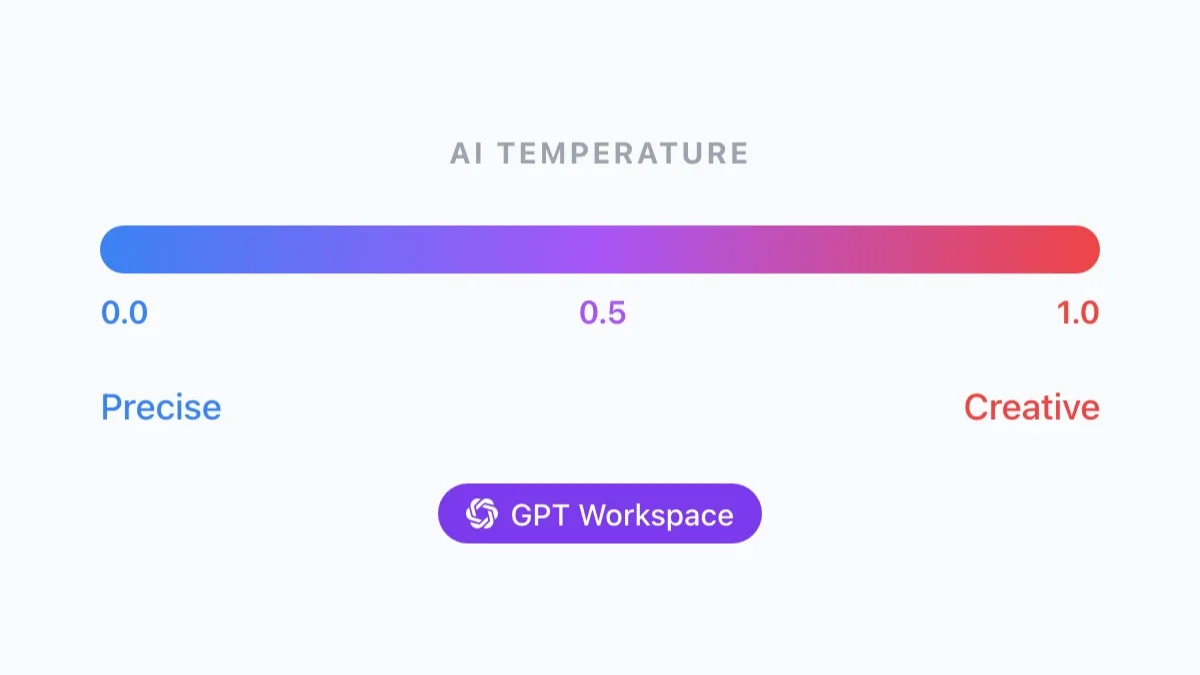
OpenAI’s GPT models are powerful tools for generating text, but to get the most out of them, it’s important to understand how to optimise their settings for different use cases. If you use a tool like GPT Workspace or other text based AI Tools, you will soon find that there is a recurring parameter : temperature. What is it and how can it be useful to provide better responses?
Understanding Temperature
In layman’s terms, temperature is how “creative” the model is gonna be with its responses. We are often told that GPT-4 and GPT-3 only try to predict the next most probable word, however this is not entirely true. Indeed there is not only a word, but an array of words each associated with their own probability. With a temperature of 0, chatGPT will just output everytime the word of the array with the higher probability (fun note chatGPT default temperature is 0.7).

Essentially, a higher temperature setting allows for more randomness in the model’s output, while a lower temperature produces more predictable and consistent responses. For transformation tasks like data extraction or grammar fixes, a low temperature of 0 to 0.3 is often ideal. However, for writing tasks where you want more creative and varied responses, a higher temperature closer to 0.5 is usually better.
If you’re looking for truly unique and innovative responses, you can experiment with even higher temperatures between 0.7 and 1. However, be aware that this can also increase the risk of “hallucinations” or nonsensical responses. As with any AI tool, it’s important to find the right balance between creativity and accuracy for your specific needs.
Other Factors to Consider
In addition to temperature, there are other factors to consider when using GPT models for chat responses. For example, the length of your input prompt can affect the quality of the output, as well as the quality of the training data used to train the model. It’s also important to consider the specific language and tone you want to use in your responses, as this can affect how well the model understands and responds to user input.

Example: Optimising for SEO
To optimise your chat responses for SEO, there are several best practices to follow. First, make sure your responses are clear and concise, using natural language that matches the tone and style of your brand or website. Additionally, include relevant keywords and phrases in your responses to help search engines understand what your content is about.
Finally, be sure to regularly update and improve your responses based on user feedback and performance data, to ensure that you’re providing the best possible experience for your users.
Conclusion
By following these tips and experimenting with temperature and other settings, you can harness the full power of GPT models for better chat responses and improved SEO performance. With the right approach, GPT models can be a valuable tool for enhancing your website’s user experience and driving more traffic to your site.
Want to control AI temperature settings in Google Workspace? Install GPT Workspace — the add-on lets you adjust temperature and other model settings directly in Google Docs, Sheets, Slides, and Gmail.