2026 में Google Workspace के लिए 5 Best AI Tools (Compared & Ranked)
हमने 2026 में Google Workspace users के लिए 5 best AI tools test और rank किए — GPT Workspace, Gemini, Jasper, GPT for Sheets, और Copy.ai। देखें कौन सा आपके workflow के लिए fit है।

Google Workspace के साथ काम करने का claim करने वाले AI tools की संख्या significantly बढ़ी है, लेकिन इनमें से अधिकांश या तो generic assistants हैं जिनमें thin Workspace integration है या niche tools हैं जो केवल एक specific problem solve करते हैं।
यह ranking 2026 में best AI tools for Google Workspace पर focused है — ऐसे tools जो Docs, Sheets, Slides, Gmail, और Drive में real value deliver करते हैं।
इन AI Tools को हमने कैसे Evaluate किया
हमने प्रत्येक tool को पाँच dimensions में evaluate किया:
Integration depth — यह Google Workspace apps के अंदर कितना natively काम करता है?
Output quality — Real work tasks के लिए actual AI output कितना अच्छा है?
Model flexibility — क्या आप different tasks के लिए different AI models access कर सकते हैं?
Team usability — क्या आप इसे shared settings के साथ team में deploy कर सकते हैं?
Value for cost — आप actually जो पाते हैं उसे देखते हुए price sense बनाता है?
प्रत्येक tool को same set of tasks पर test किया गया: Google Docs में एक 500-word client proposal draft करना, Sheets में revenue analysis formula build करना, Gmail में follow-up email लिखना, और Slides में presentation outline generate करना।
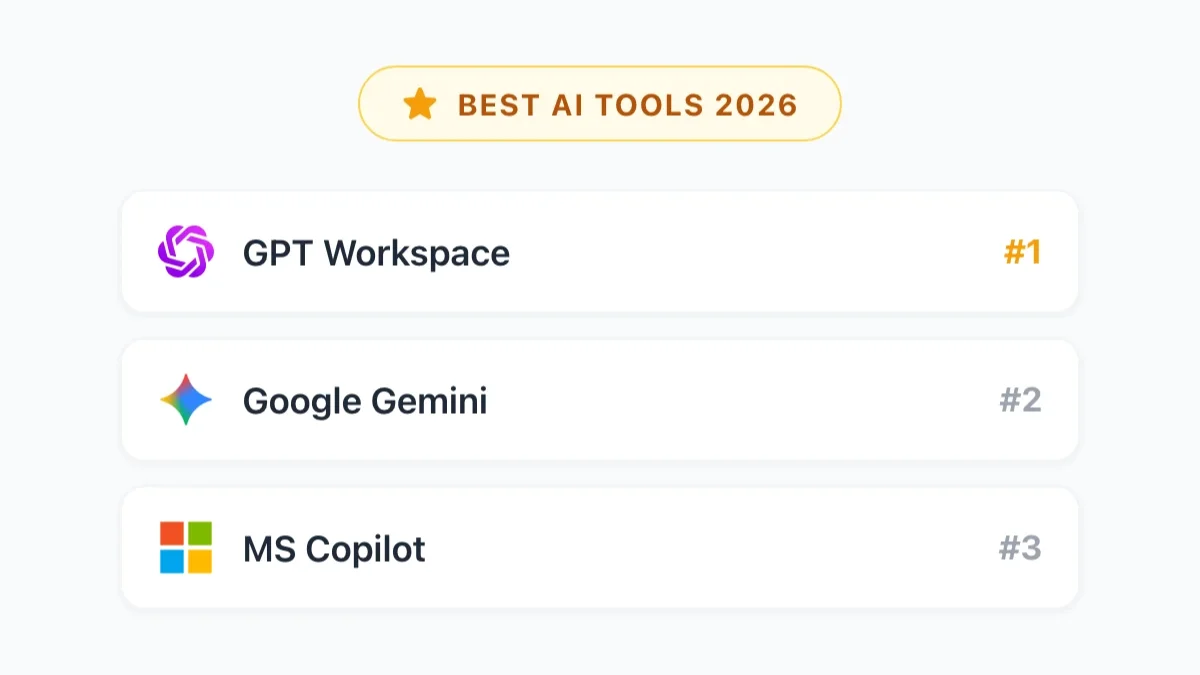
#1 GPT Workspace — ChatGPT Power Users के लिए Best
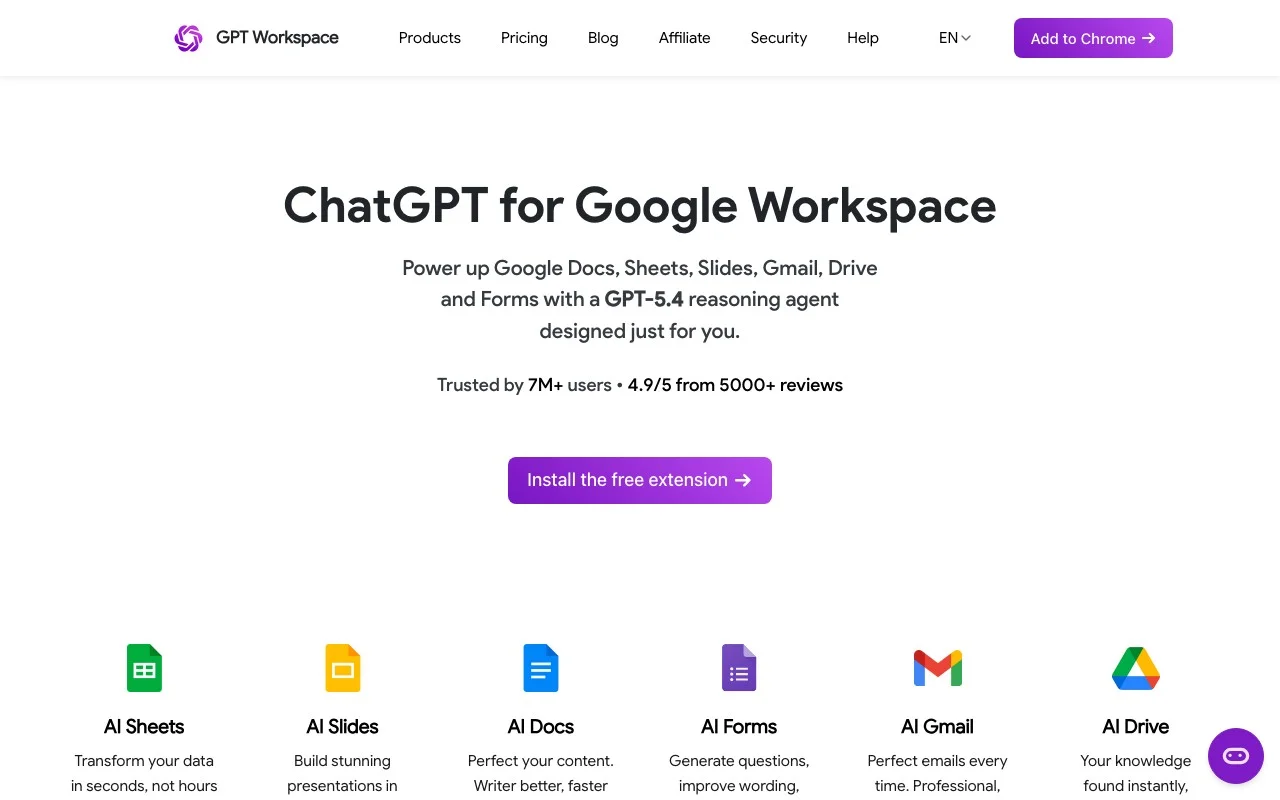
Best for: ऐसी teams जो Google Workspace में deeply integrated most capable AI models चाहती हैं।
GPT Workspace top spot earn करता है क्योंकि यह सबसे important काम इस list में किसी भी चीज़ से बेहतर करता है: यह genuinely excellent AI को directly उन Google apps के अंदर रखता है जो आप पहले से उपयोग करते हैं।
Chrome extension और Google Workspace Add-on minutes में install होता है और Google Docs, Sheets, Slides, और Gmail में sidebar immediately activate करता है। उस sidebar से, आप GPT-4o, GPT-4.5, o1, और o3 access करते हैं — OpenAI के most capable models — और आप उनके बीच switch कर सकते हैं।
क्या इसे अलग बनाता है:
Docs में, writing assistance Google ecosystem में best available है। Long-form content, nuanced rewrites, proposals, और reports same prompts के लिए Gemini जो produce करता है उससे cleaner और more natural निकलते हैं।
Sheets में, GPT Workspace complex formula logic handle करता है — multi-condition QUERY functions, ARRAYFORMULA pipelines — competition से अधिक reliably।
Prompt library feature underrated है। Teams अपने most common tasks के लिए shared prompts बना सकती हैं और team का हर कोई same starting point उपयोग करता है।
Limitations: इसमें Gemini का cross-app context नहीं है — यह आपके Calendar से pull नहीं कर सकता या उसी तरह Drive search नहीं कर सकता।
Pricing: Free tier available। Paid plans gpt.space/pricing पर।
#2 Google Gemini — Best Native Solution
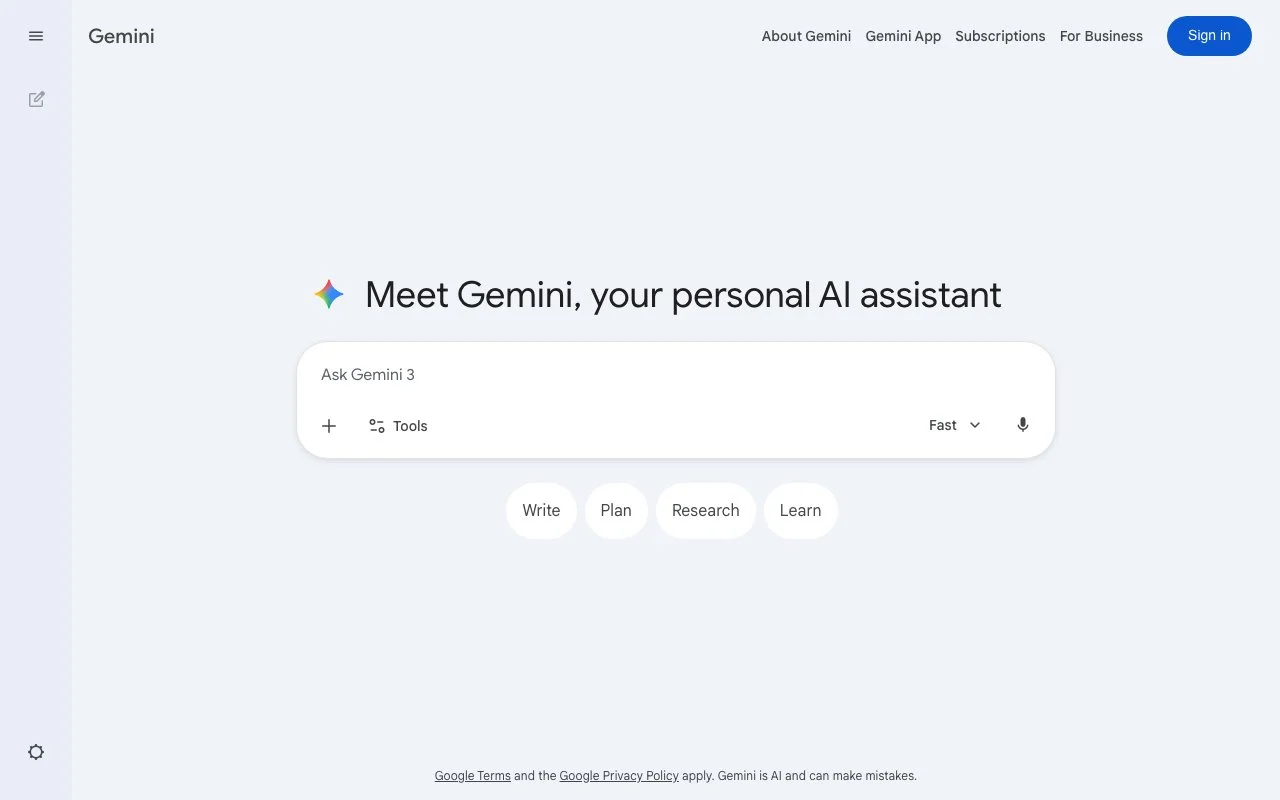
Best for: ऐसे users जो बिना कुछ additional install किए AI चाहते हैं।
Gemini already आपके Google apps के अंदर है यदि आप Business Standard या higher Workspace plan पर हैं। Zero setup, no extension।
Gemini की genuine advantage यह है कि इसका cross-app context किसी भी अन्य tool से बेहतर है। क्योंकि Google AI और underlying Workspace data दोनों control करता है, Gemini आपके Drive, email, और calendar एक साथ देख सकता है।
Limitations: Long-form content के लिए output quality GPT-4o से पीछे है। आप models choose नहीं कर सकते। Complex Sheets formula work कम reliable है।
Pricing: Google Workspace Business Standard ($14/user/month) के साथ included। Gemini Advanced के लिए separate $19.99/month subscription।
#3 Jasper — Marketing Teams के लिए Best
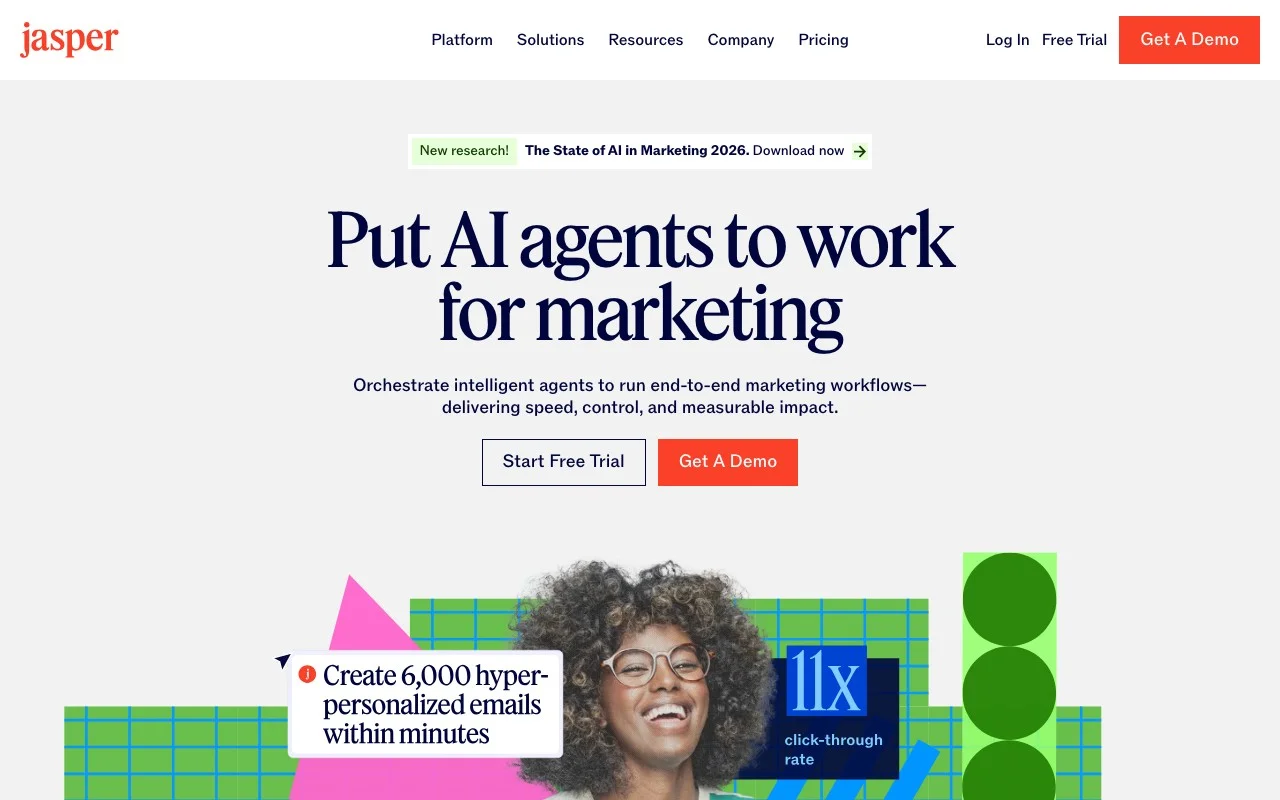
Best for: High volumes of brand-consistent content produce करने वाली marketing teams।
Jasper distinctively well brand voice management करता है। आप Jasper को अपने brand के existing content पर train कर सकते हैं और यह consistently वह style apply करता है।
Google Workspace integration: Jasper का Google Docs add-on है। लेकिन integration Sheets, Slides, या Gmail तक meaningful तरीके से extend नहीं होता।
Pricing: Starter $49/user/month, Pro $125/user/month।
#4 GPT for Sheets and Docs — Sheets-Only Formula Tool
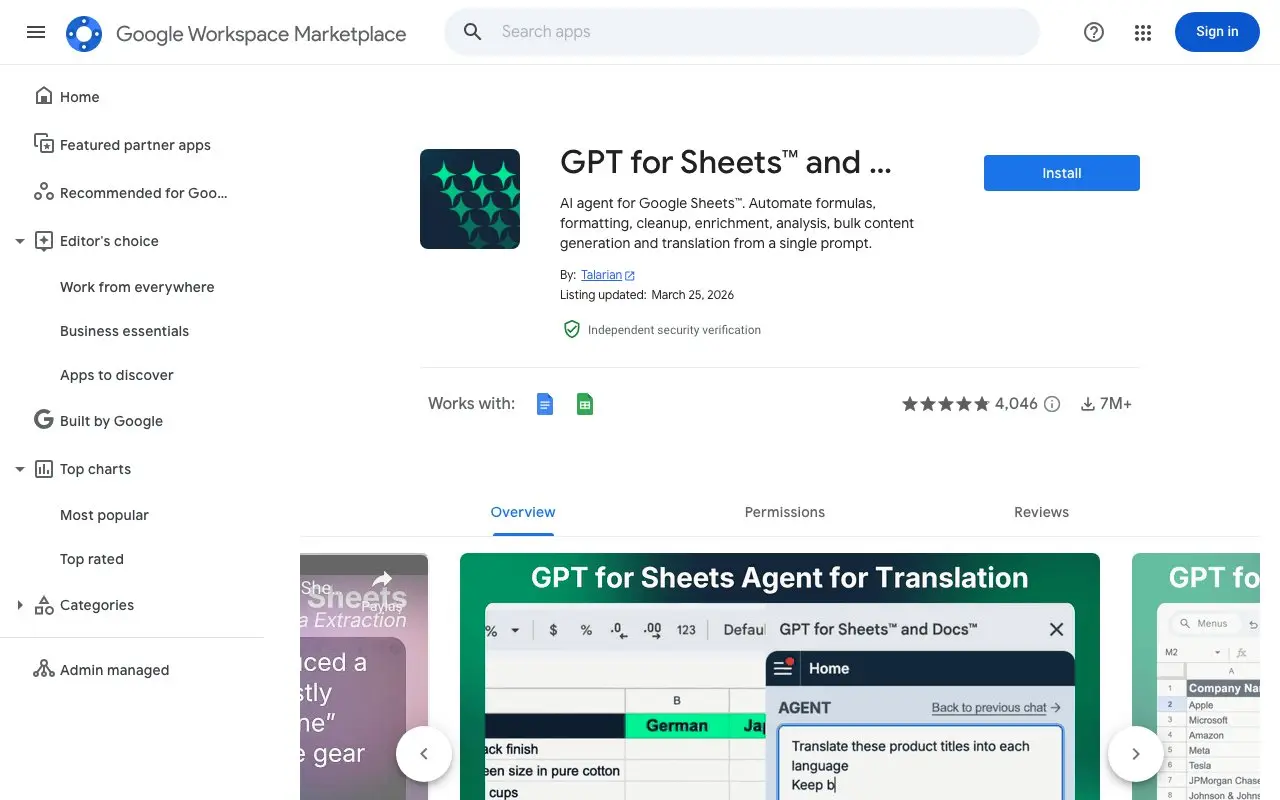
Best for: ऐसे users जिन्हें primarily Sheets में AI assistance चाहिए।
GPT for Sheets and Docs एक lightweight Add-on है जो custom GPT functions को directly Google Sheets और Docs के अंदर expose करता है। आप cells में directly functions call करके उपयोग करते हैं जैसे =GPT("Summarize this text", A1)।
Limitations: यह writing assistant नहीं है। कोई sidebar, conversational interface, email integration नहीं।
Pricing: Free tier limited usage के साथ। Paid plans ~$19/month से।
#5 Copy.ai — Quick Content के लिए Best
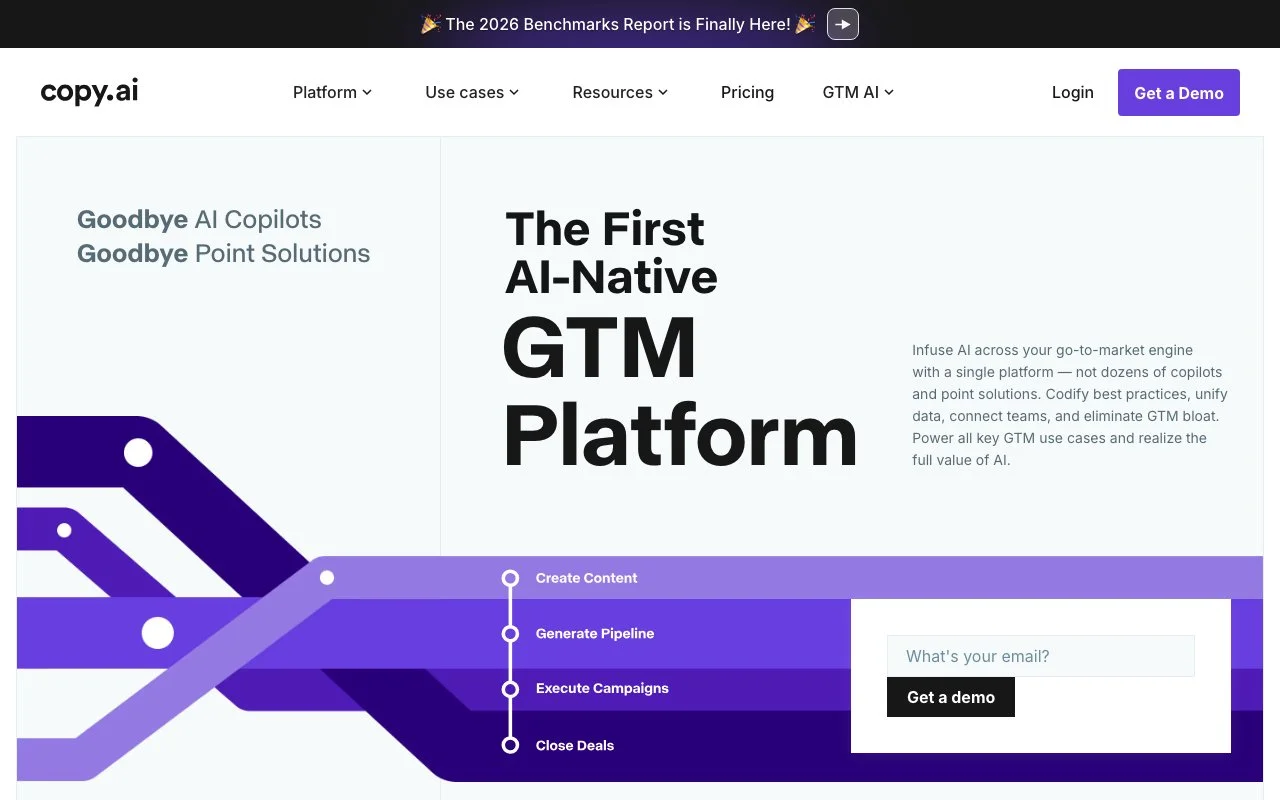
Best for: ऐसे users जिन्हें fast, usable content output चाहिए।
Copy.ai speed पर focus करता है: आप describe करते हैं क्या चाहिए, यह quickly multiple variations generate करता है, और आप best choose करते हैं।
Limitations: Google Workspace integration GPT Workspace या Jasper की तुलना में shallow है। Longer, complex content के लिए output quality inconsistent है।
Pricing: Free tier available। Pro $49/month।
Comparison Table
| Tool | Google Apps Integration | Best Use Case | Model Choice | Free Tier | Starting Price |
|---|---|---|---|---|---|
| GPT Workspace | Docs, Sheets, Slides, Gmail | Power users, teams | GPT-4o, o1, o3 | Yes | See pricing page |
| Google Gemini | Docs, Sheets, Slides, Gmail, Meet | Native/no-install | Gemini only | With Workspace plan | Included in Workspace |
| Jasper | Docs only | Marketing content | GPT-4 based | No | $49/user/month |
| GPT for Sheets/Docs | Sheets, Docs | Batch data processing | GPT-4 | Yes | ~$19/month |
| Copy.ai | Docs (limited) | Quick short-form copy | GPT-4 based | Yes | $49/month |
आपको कौन सा Tool Choose करना चाहिए?
यदि आपको सभी Google apps में best AI writing और complex tasks के लिए चाहिए: GPT Workspace clear choice है।
यदि आप zero setup और cross-app context चाहते हैं: Gemini already है और quick tasks, summaries के लिए excellent है।
यदि आप volume में content produce करने वाली marketing team run करते हैं: Jasper’s brand voice management scale पर cost के लायक है।
यदि आप Sheets में बहुत सारा data process करते हैं: GPT for Sheets and Docs batch AI processing के लिए most efficient tool है।
यदि आपको platform के बिना fast, varied content options चाहिए: Copy.ai short-form work के लिए quick और flexible है।
अधिकांश Google Workspace users के लिए, most practical setup है quality-critical tasks के लिए GPT Workspace combined with Gemini’s native features for quick, routine work।
FAQ
क्या मैं Google Workspace में एक साथ multiple AI tools उपयोग कर सकता/सकती हूँ? हाँ। GPT Workspace (Chrome extension या Add-on) और Gemini same Google apps में coexist करते हैं।
क्या GPT Workspace Gemini को replace करता है? नहीं। GPT Workspace capabilities add करता है जो Gemini के पास नहीं हैं, लेकिन Gemini के cross-app context और native integration के advantages हैं। दोनों एक साथ उपयोग करना एक choose करने से better है।
क्या Google Docs में AI free में पाने का तरीका है? Gemini Business Standard और above plans के साथ included है। GPT Workspace में free tier है। GPT for Sheets and Docs में भी free tier है।